Updates go unnoticed
Digital screens display important updates clearly, while printed posters fade into the background and chat messages get buried.
HiddenCreate, schedule and manage content on every screen and location from one cloud dashboard. Keep menus, offers, notices and live updates fresh, with no printing and no manual updates.
Restaurants and cafes · Retail · Hospitality · Healthcare · Education · Corporate offices · Public sector
Digital signage software lets businesses create, schedule and manage content on screens across one or many locations from a single dashboard.
It replaces printed posters, paper menus and manual updates with real-time displays for menus, promotions, announcements, wayfinding and live information.
It is used by restaurants, retailers, hotels, hospitals, schools and offices to keep customers and teams informed, without manual effort.
In most businesses, important information sits on paper, in chats or on screens that nobody updates in time.
Digital screens display important updates clearly, while printed posters fade into the background and chat messages get buried.
HiddenChanging prices, menus or notices across outlets takes time. Printing and distributing updates leaves information outdated.
SlowDifferent messages across locations confuse customers. Inconsistent promotions and notices weaken your overall brand identity.
UnevenA cloud-based digital signage platform that your team can run without technical help. Update one screen or a thousand in minutes.
One control centre for every screen at every location.
Organise screens by outlet, city, department or area.
Menu boards, lobby screens and info panels update together.
Select a dot to see which use case runs on that screen.
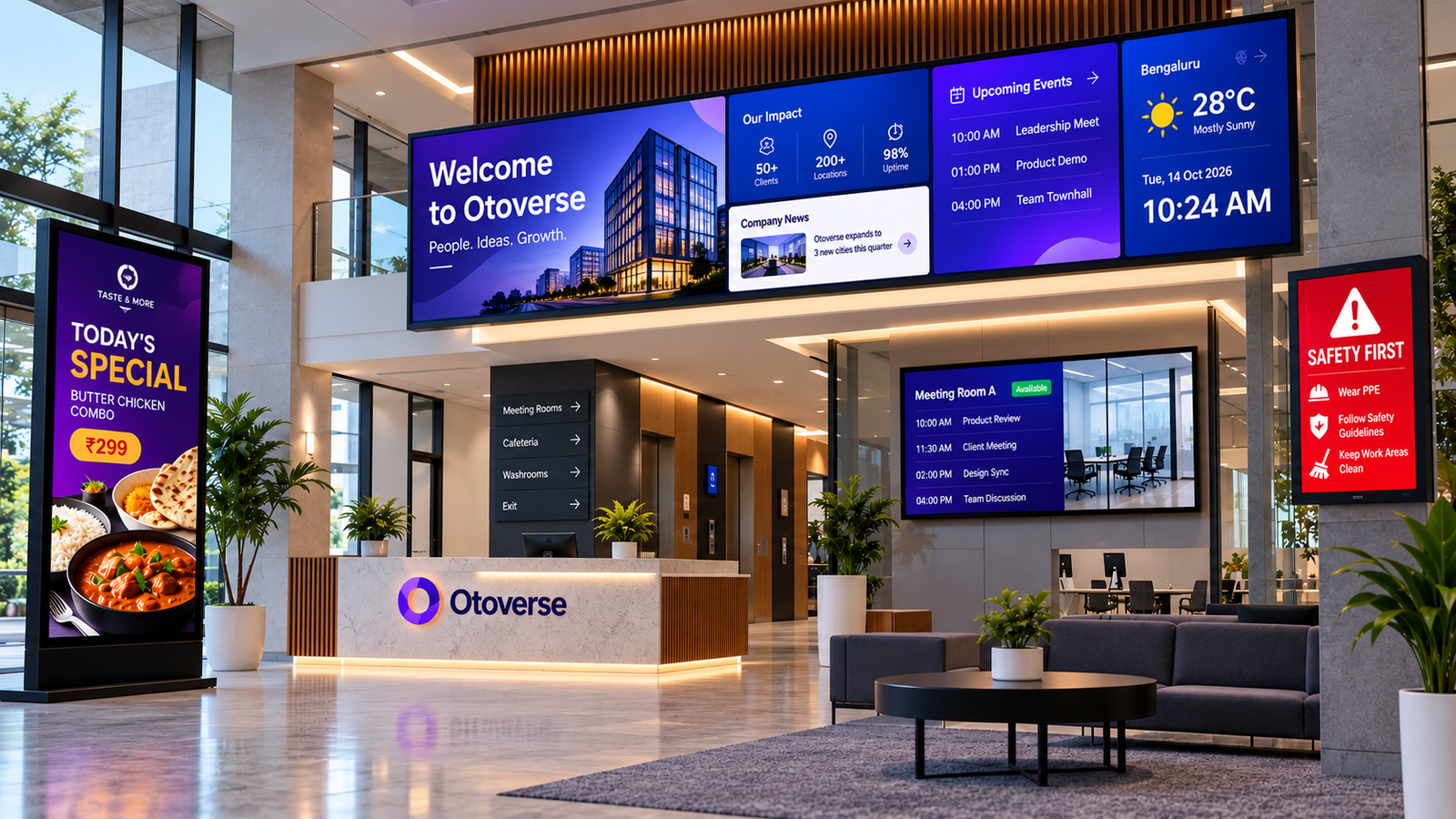
Greet guests, patients and visitors with a branded welcome, directions and today's information.
From customer-facing displays to internal communication, deliver the right message on every screen across every industry.
Show menus, prices, combos and daily specials on screens. Change a price once and every outlet updates, with items marked out of stock automatically when you connect TekCounter POS.
Restaurant signage demo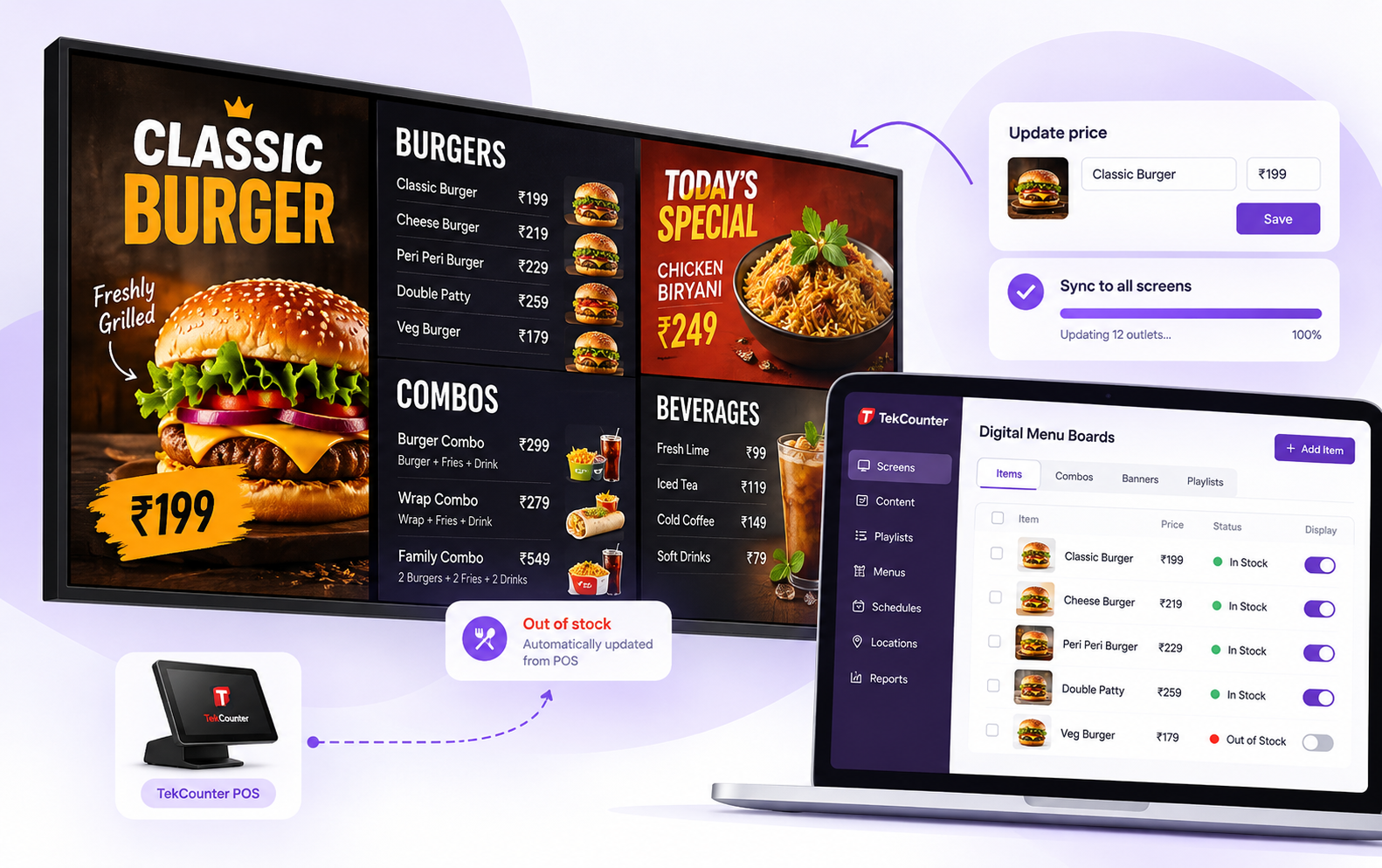
Display news updates, live headlines, programme schedules, breaking stories and sponsored content across newsroom, studio and public-facing screens. Update content centrally to keep every display timely and consistent.
Media signage demo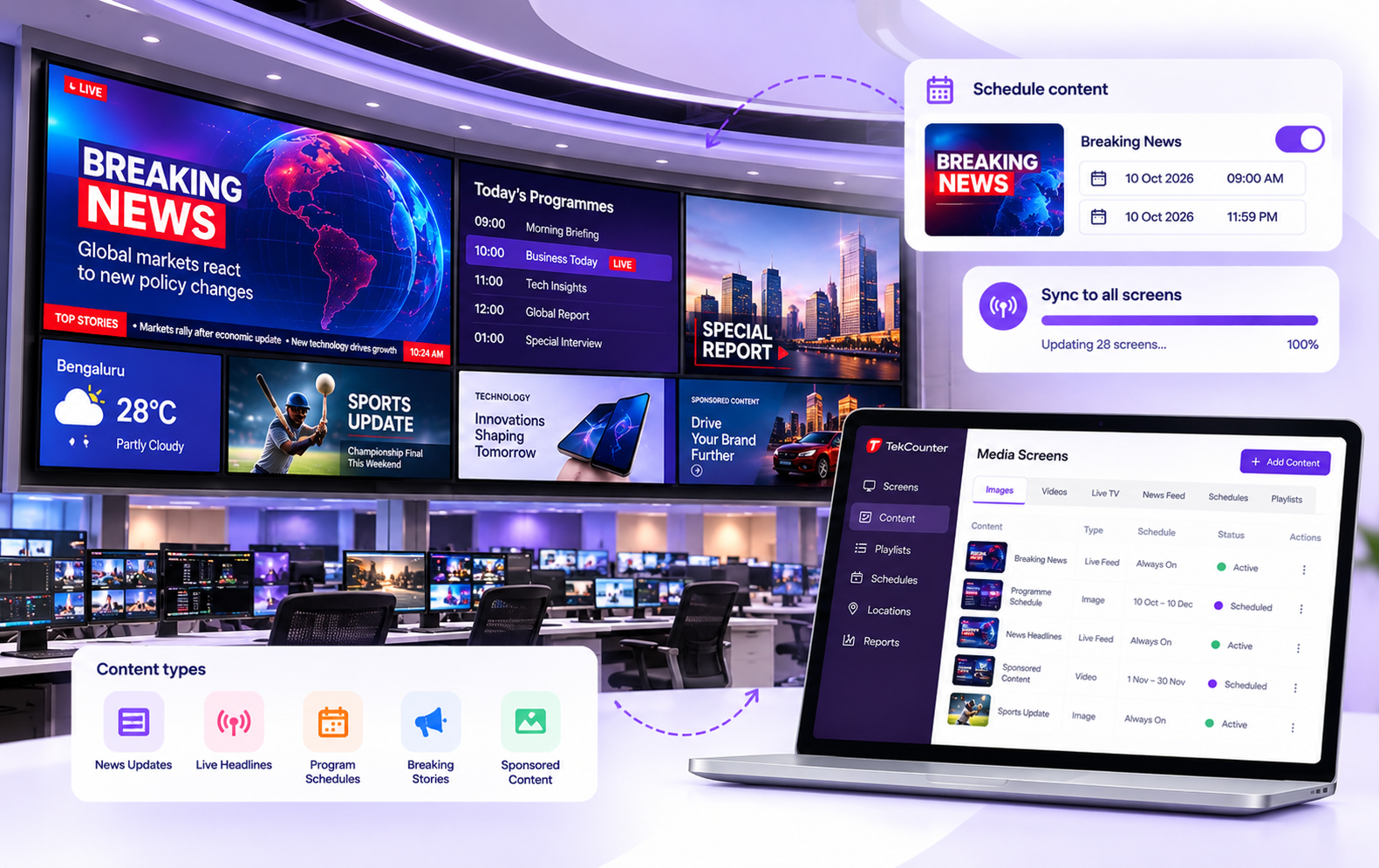
Show production targets, shift updates, safety instructions, quality metrics and real-time operational announcements on factory-floor screens. Keep teams aligned, highlight important alerts and make critical information visible where work happens.
Manufacturing signage demo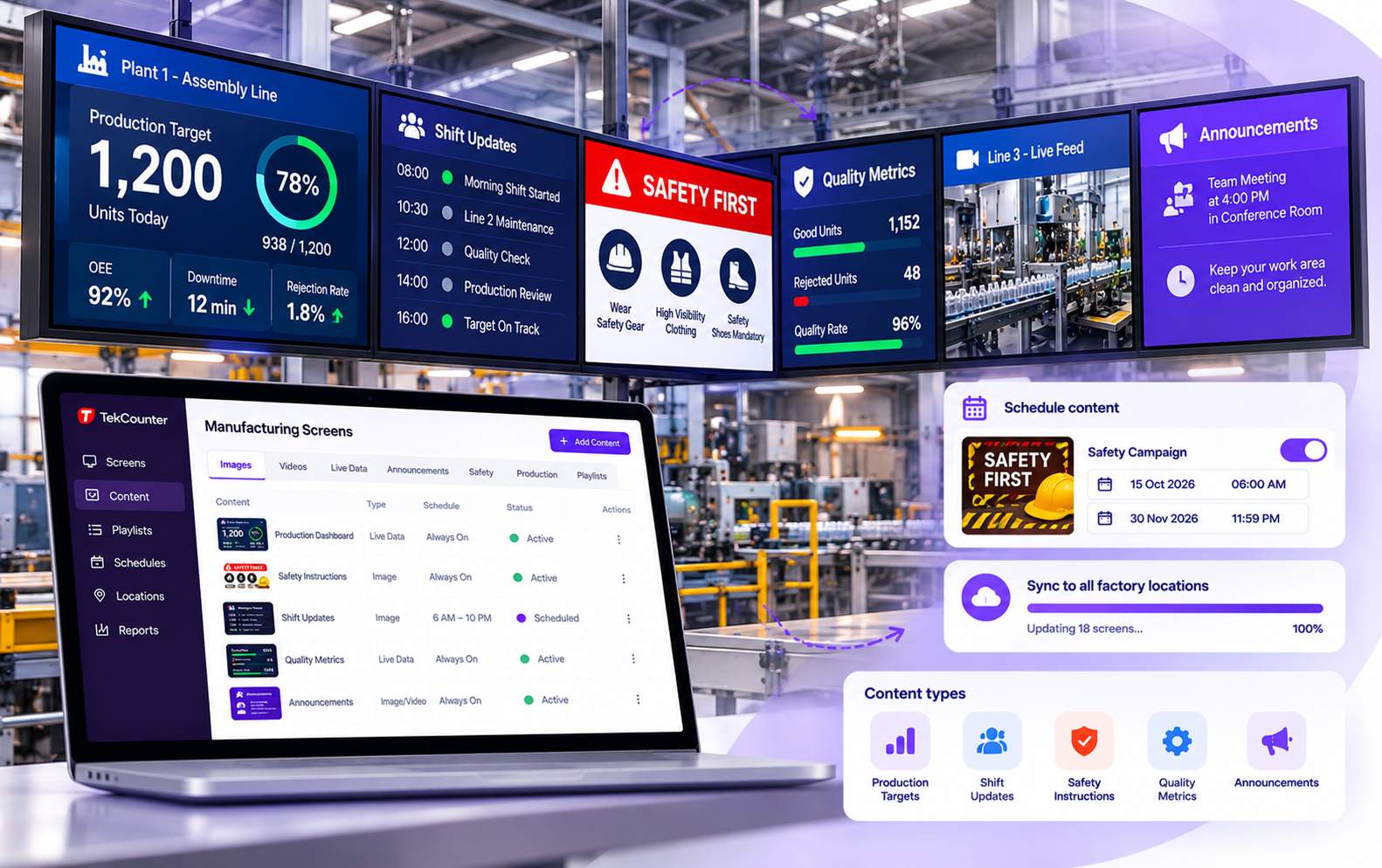
Run offers, new arrivals and brand videos across stores. Schedule sale start and end times in advance so every branch changes at the same moment.
Retail signage demo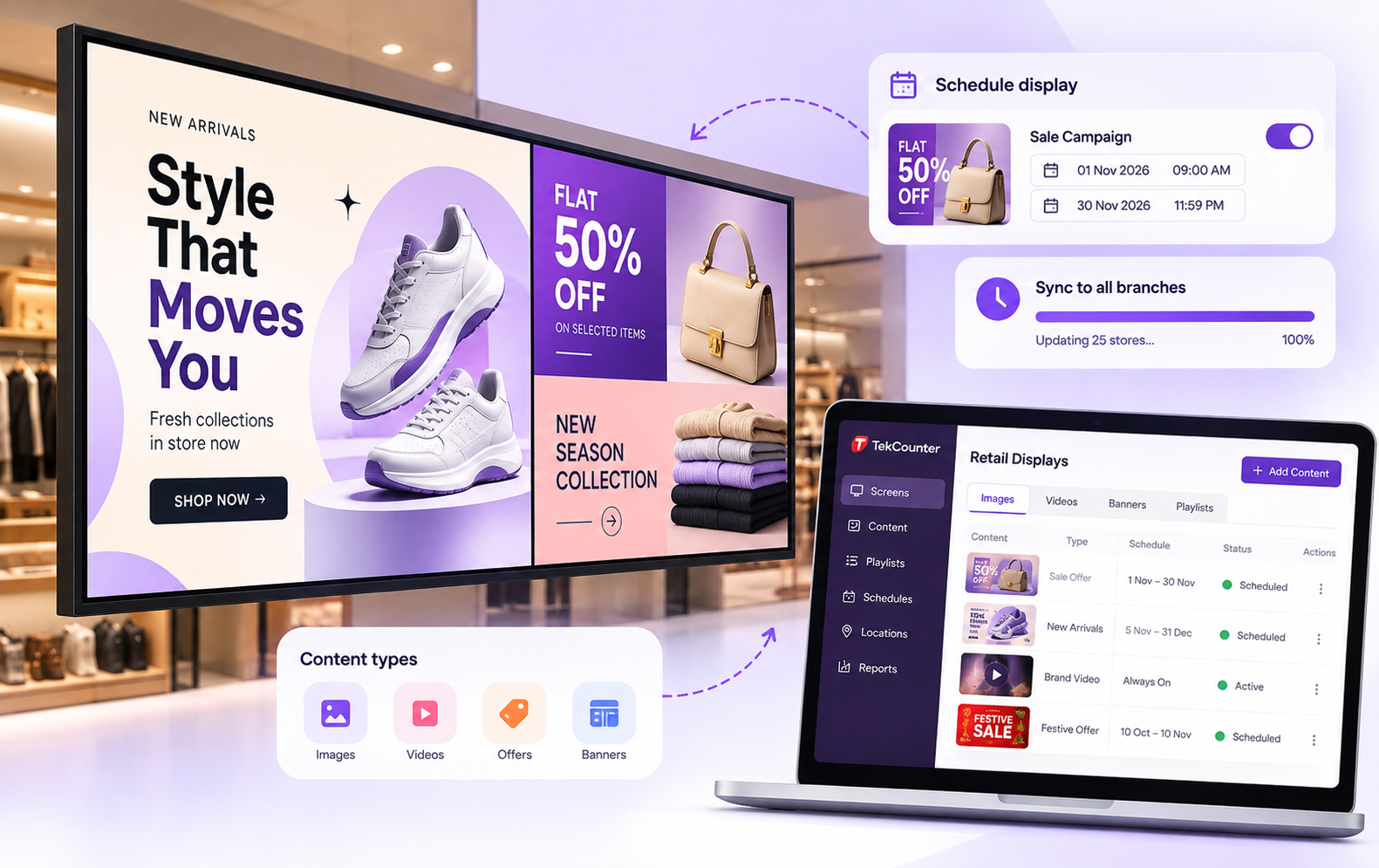
Welcome guests, share event schedules, directions and dining offers, and keep every property on message in real time.
Hospitality signage demo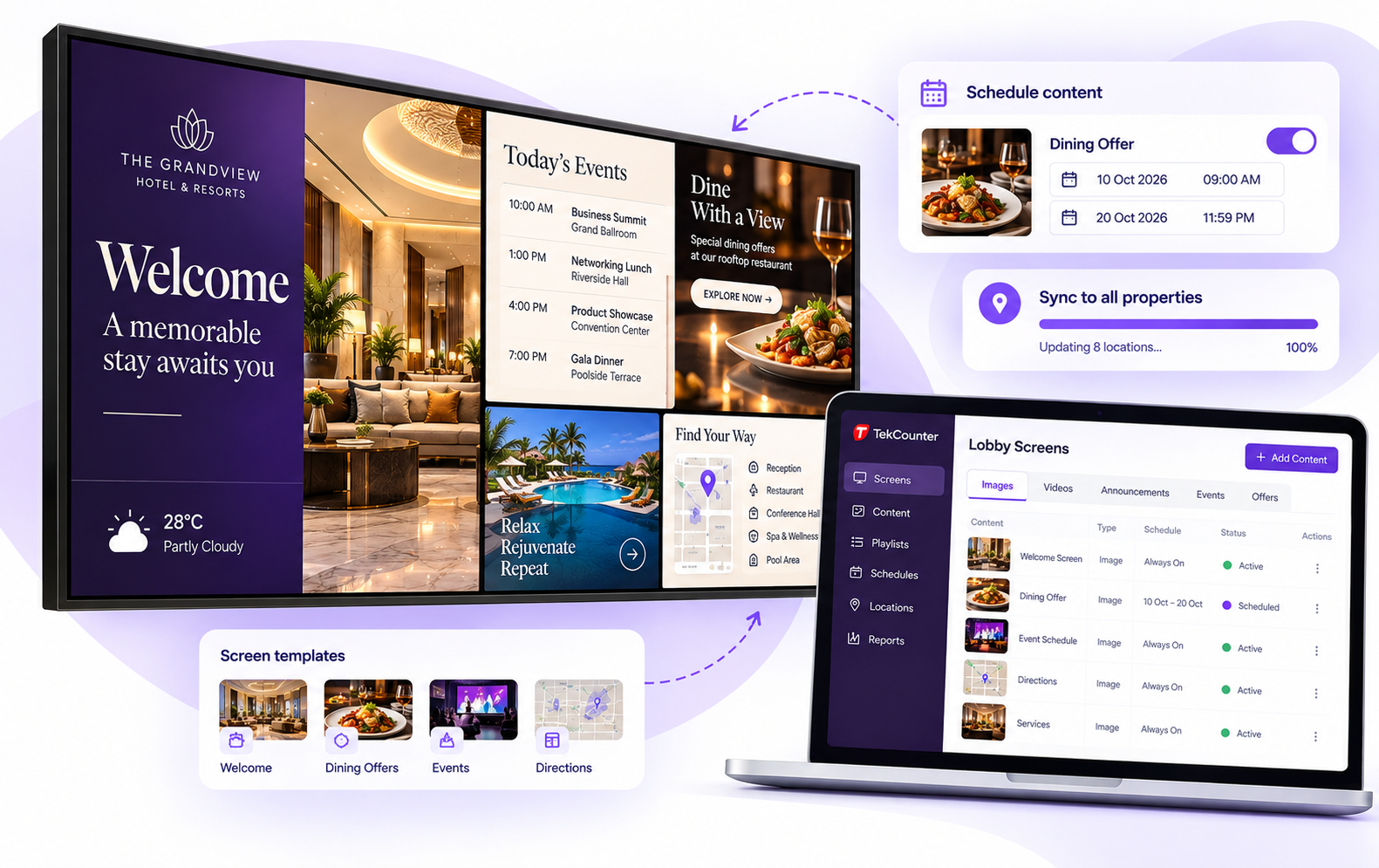
Display token numbers, doctor availability, wayfinding and health information so patients stay informed and waiting rooms stay calm.
Healthcare signage demo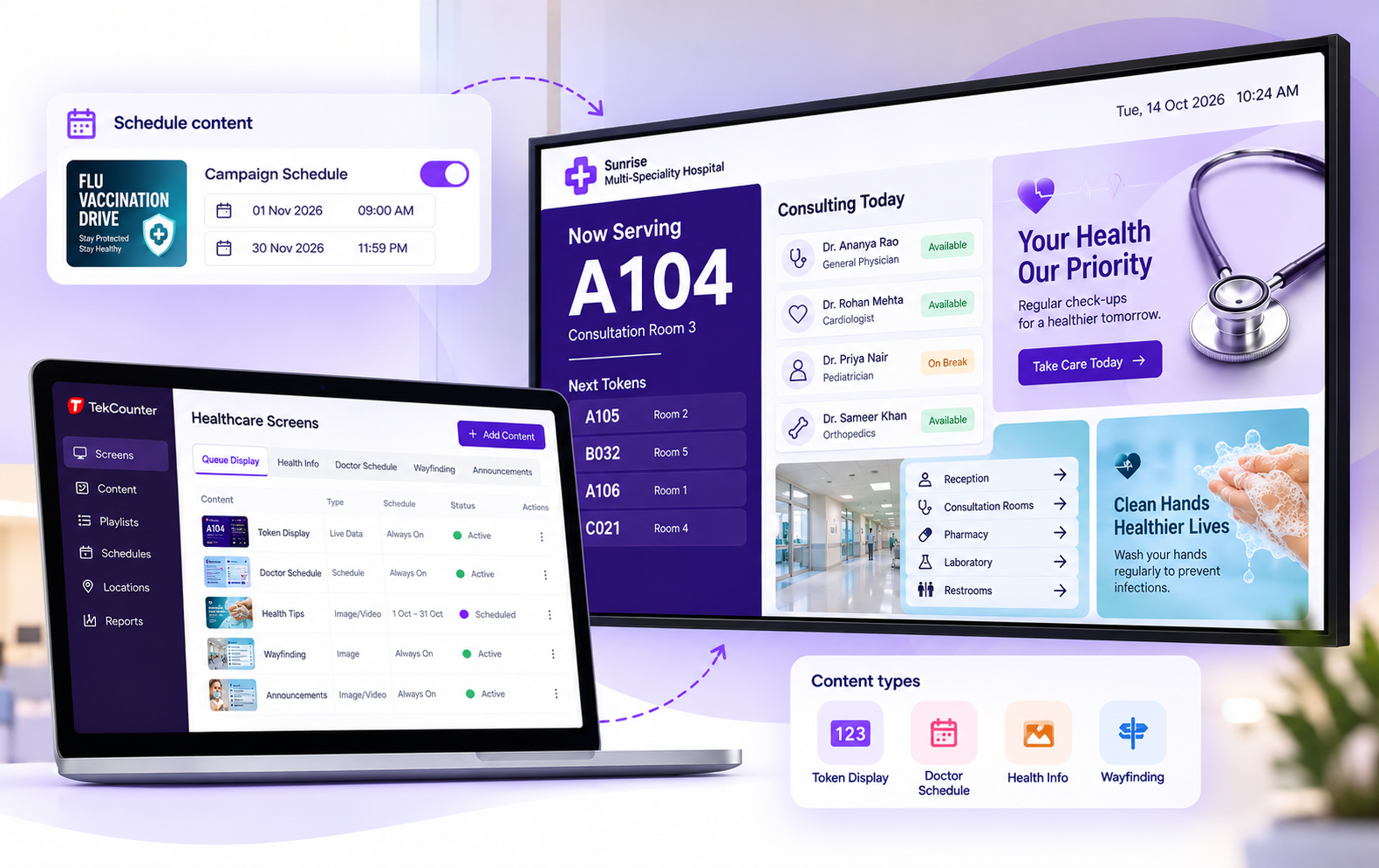
Share timetables, results, events and emergency messages across the campus, and connect with Oto Learning Platform for course updates.
Education signage demo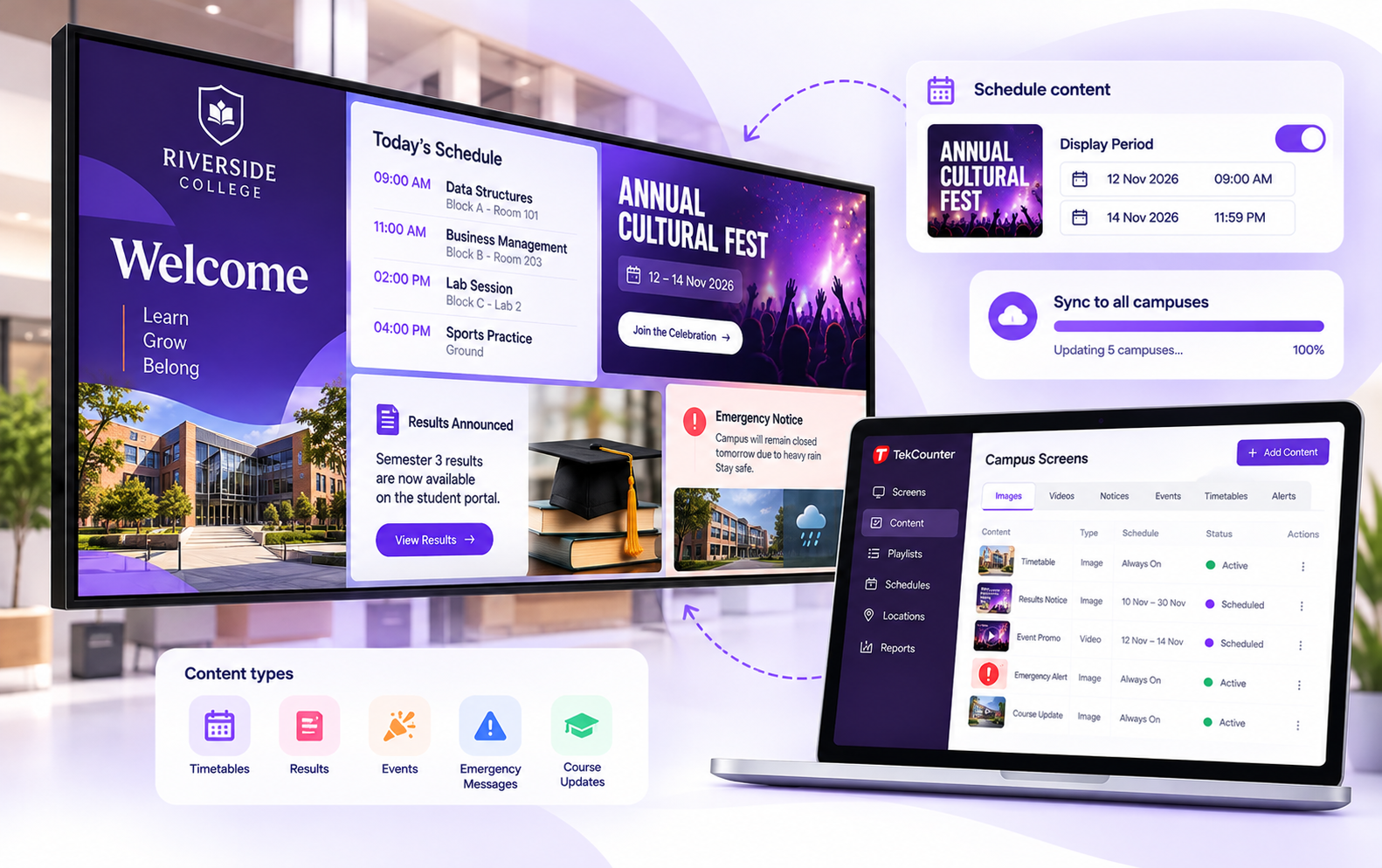
Show company news, KPIs, meeting room schedules, visitor welcome and safety alerts on screens around your workplace.
Corporate signage demo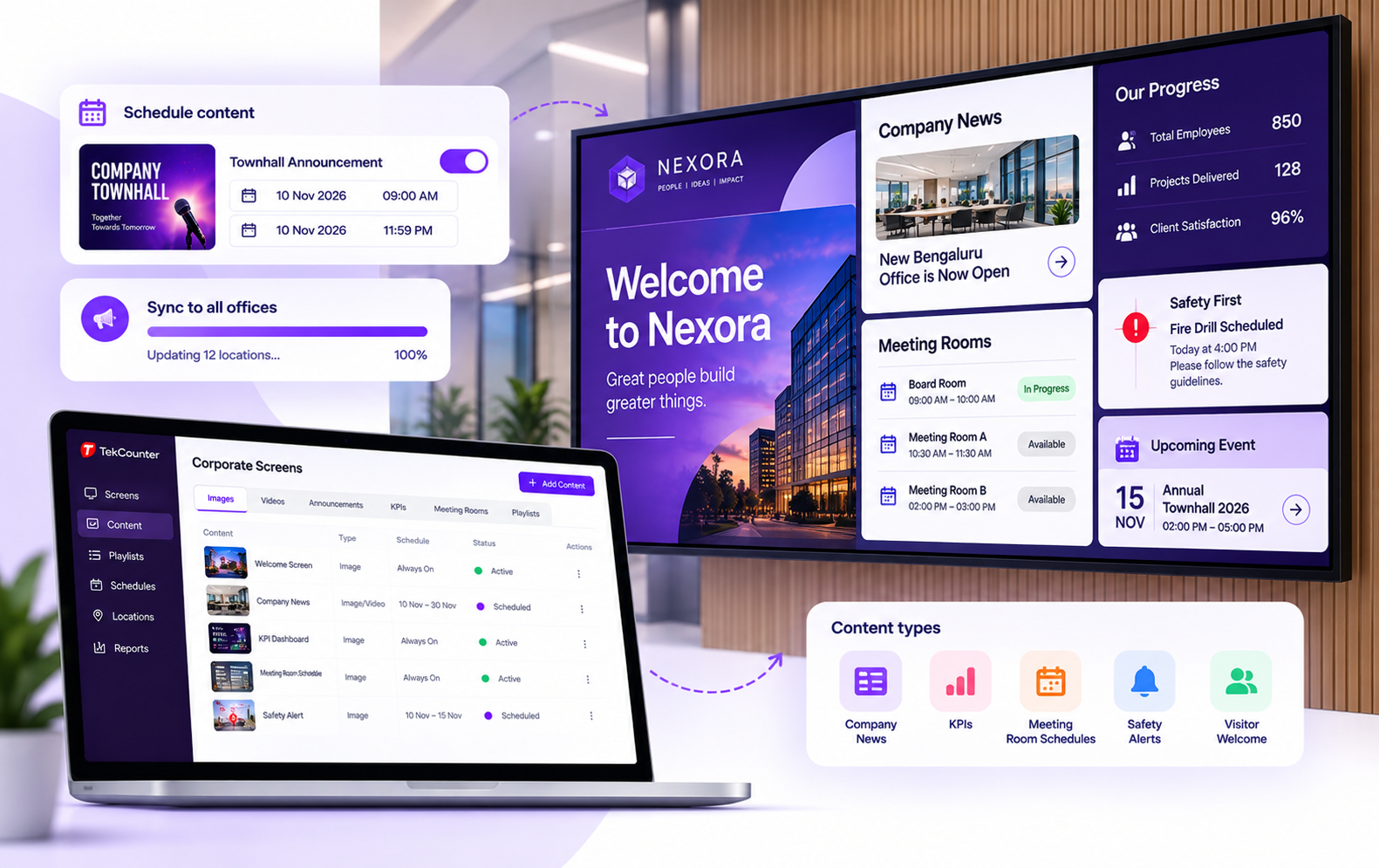
Most businesses go live quickly. Connect a screen, build your content and publish.
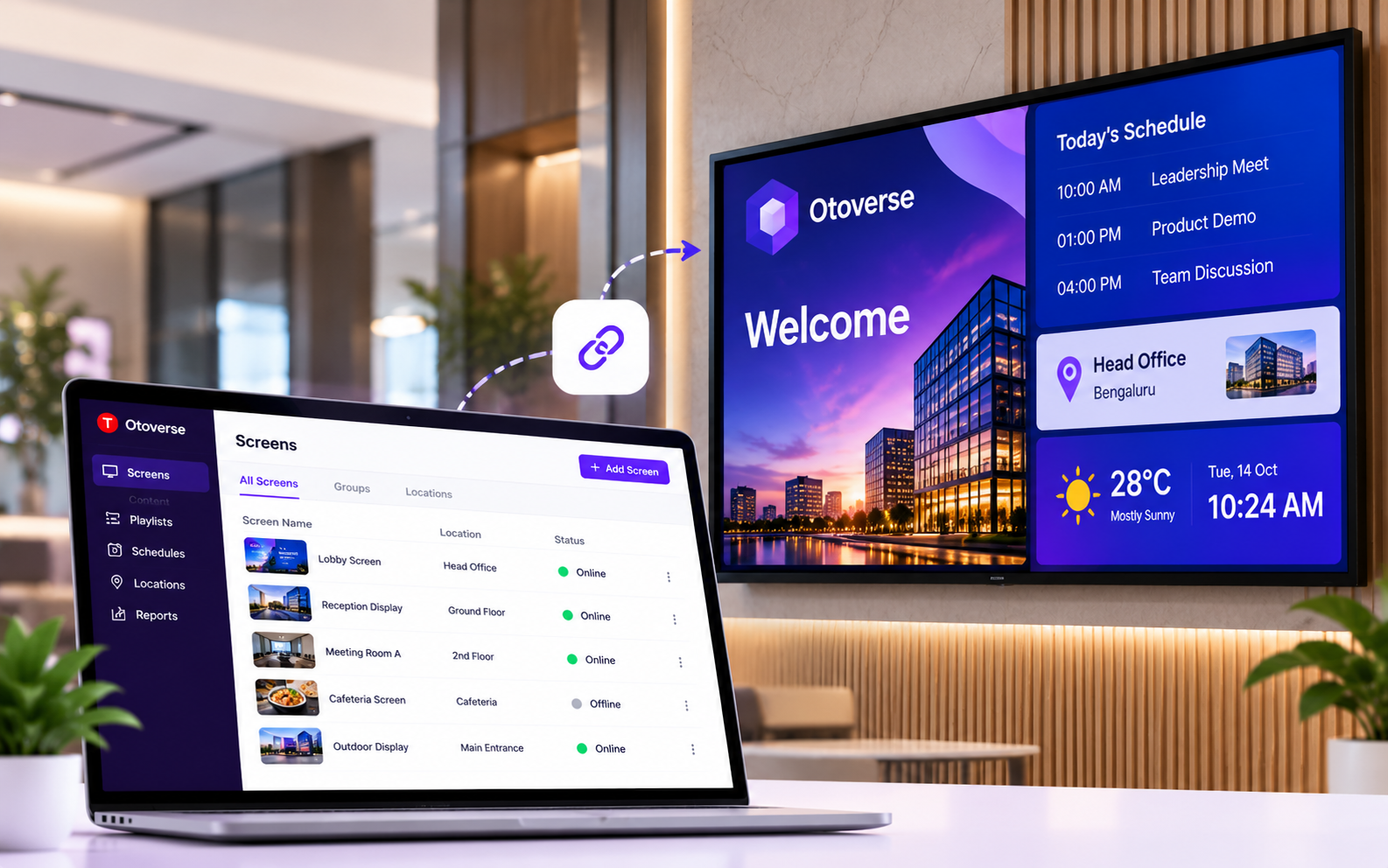
Pair a screen or media player with your Oto account, then group screens by location or area. No complex installation.
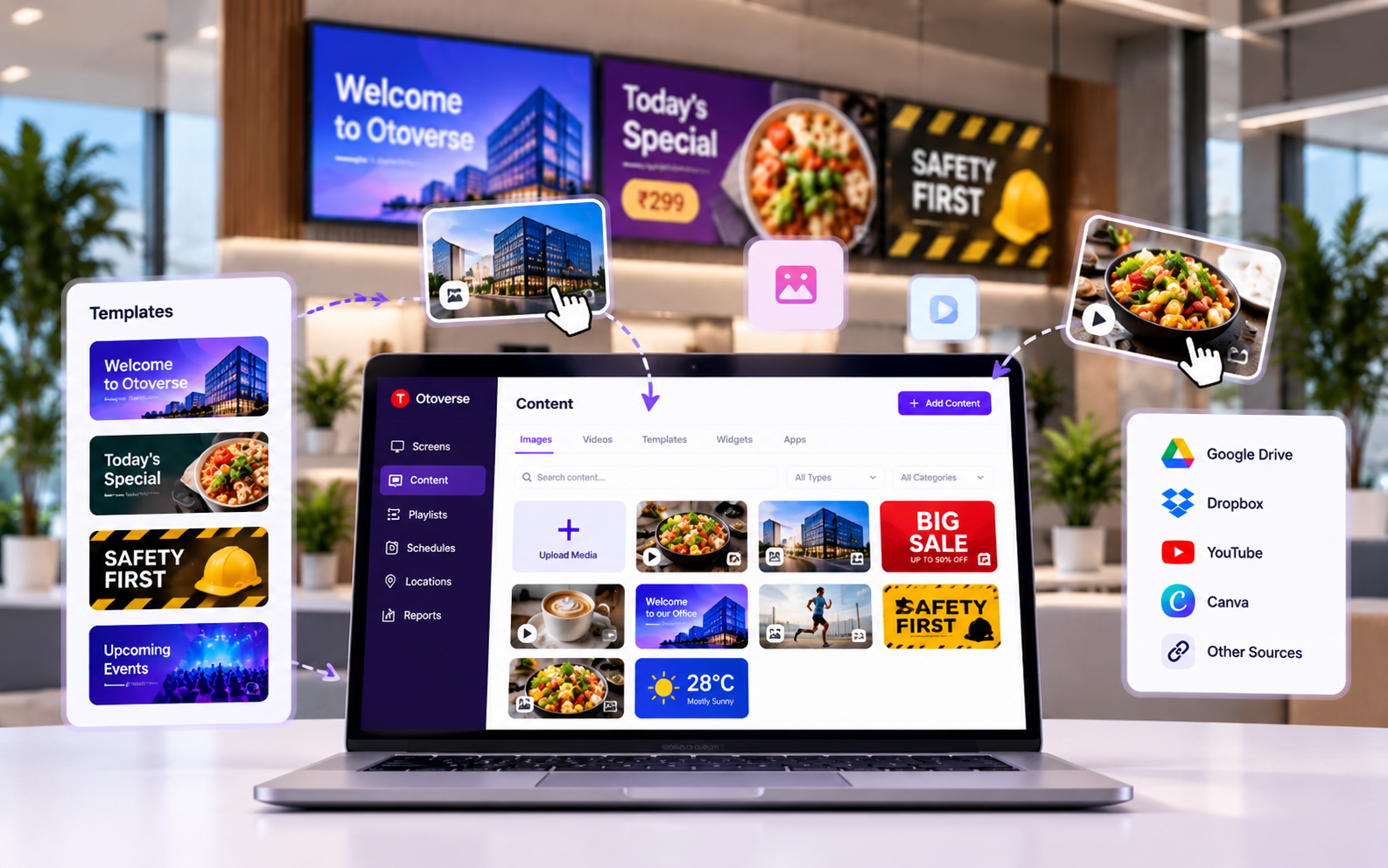
Use the drag-and-drop editor with ready templates, upload images and videos, or bring in content from your existing tools.
Choose which screens play what, set start and end times, and publish. Changes reach your screens in moments.
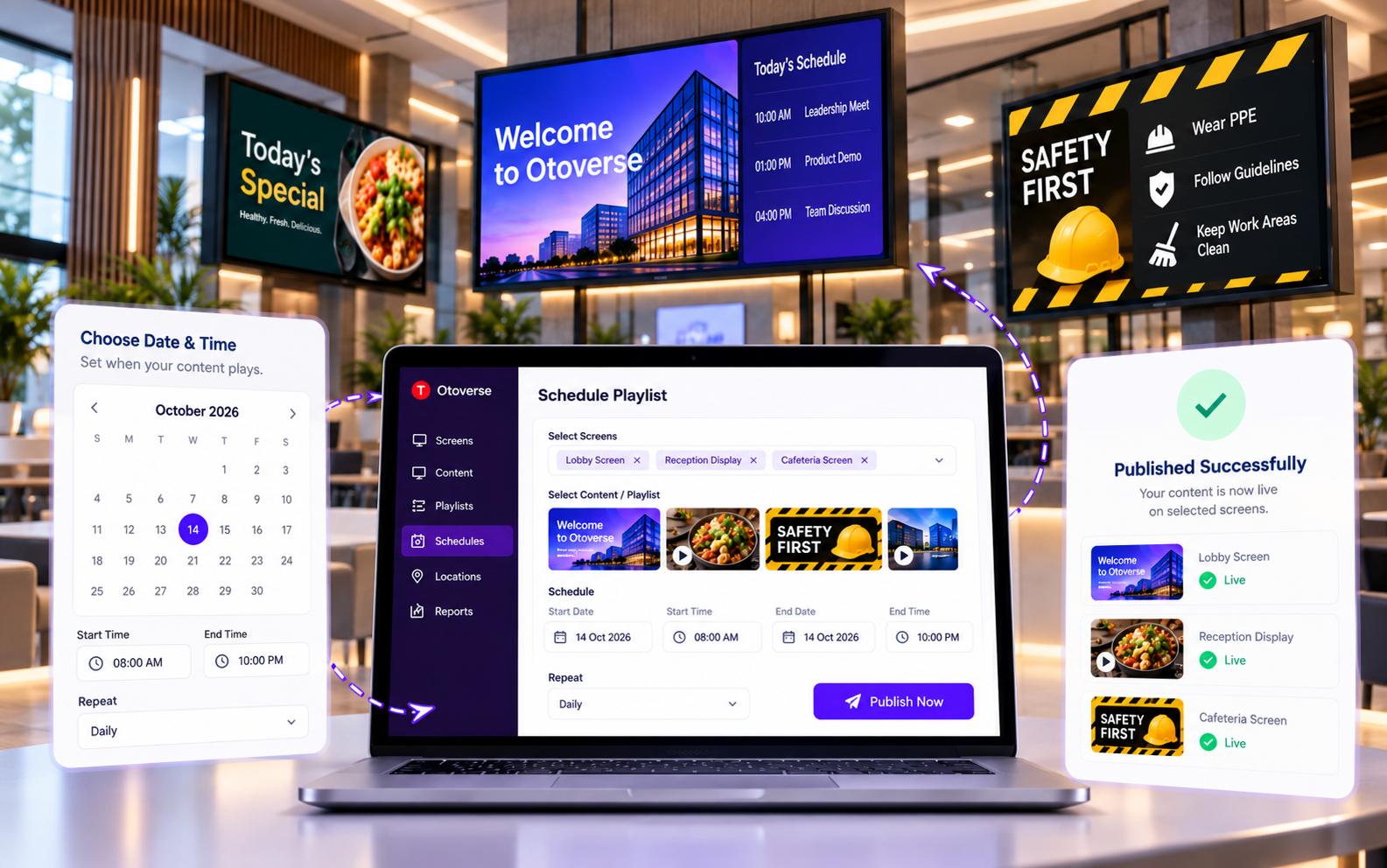
Built to grow from a single screen to every location you run.
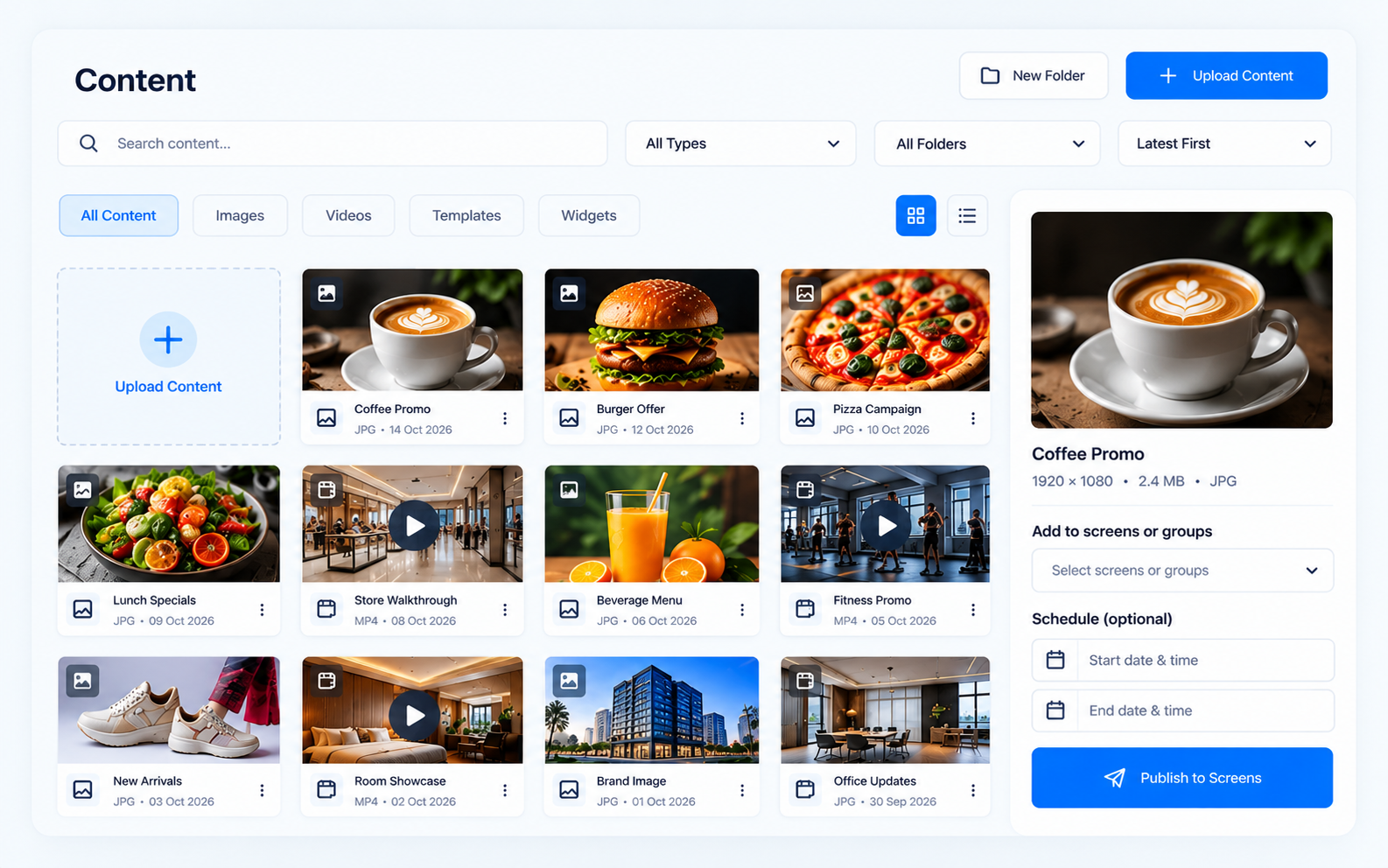
Keep every image, video and design in one library and push it to any screen or group in a few clicks.
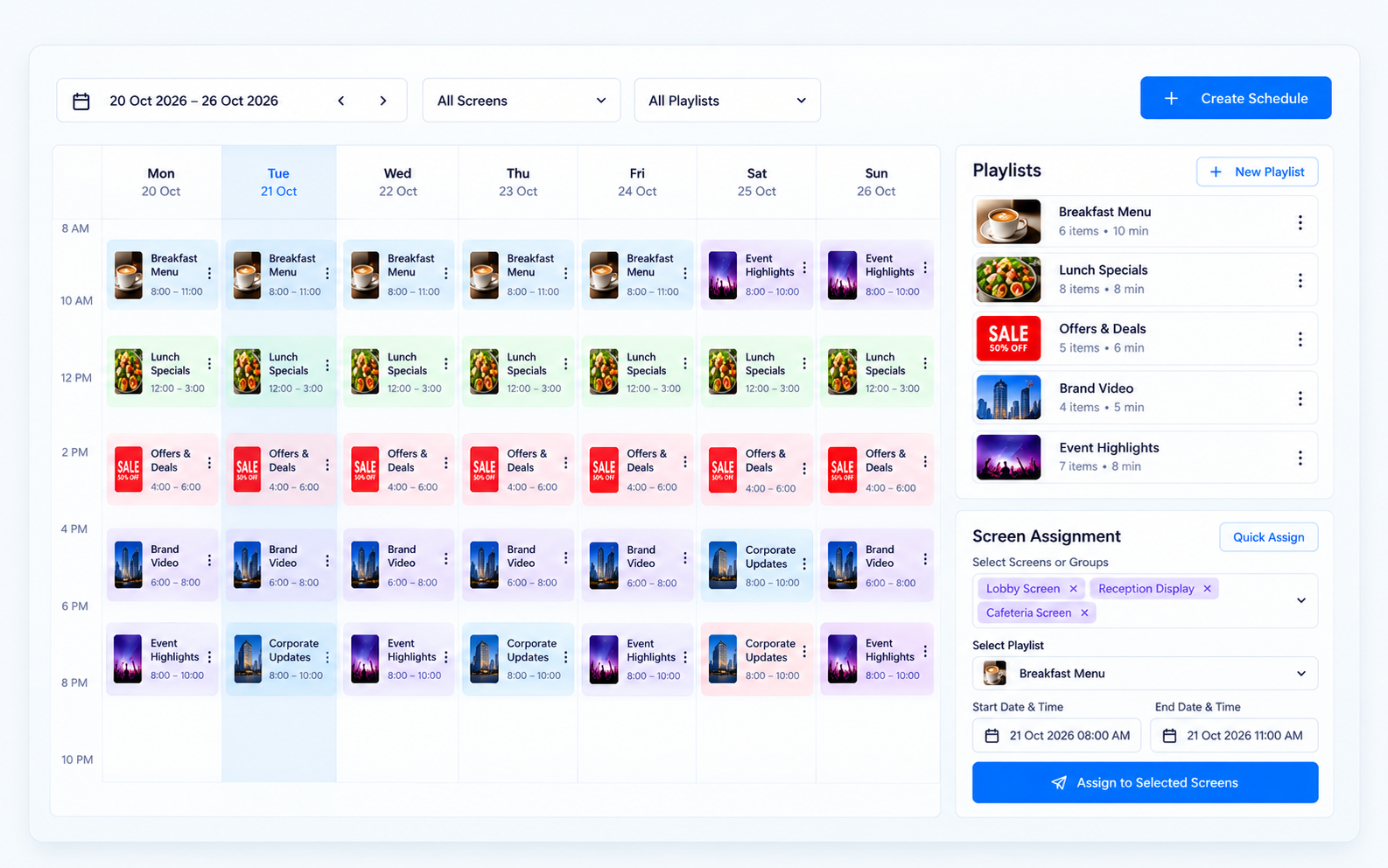
Plan content by day, time or location. Build playlists once and reuse them across screens.
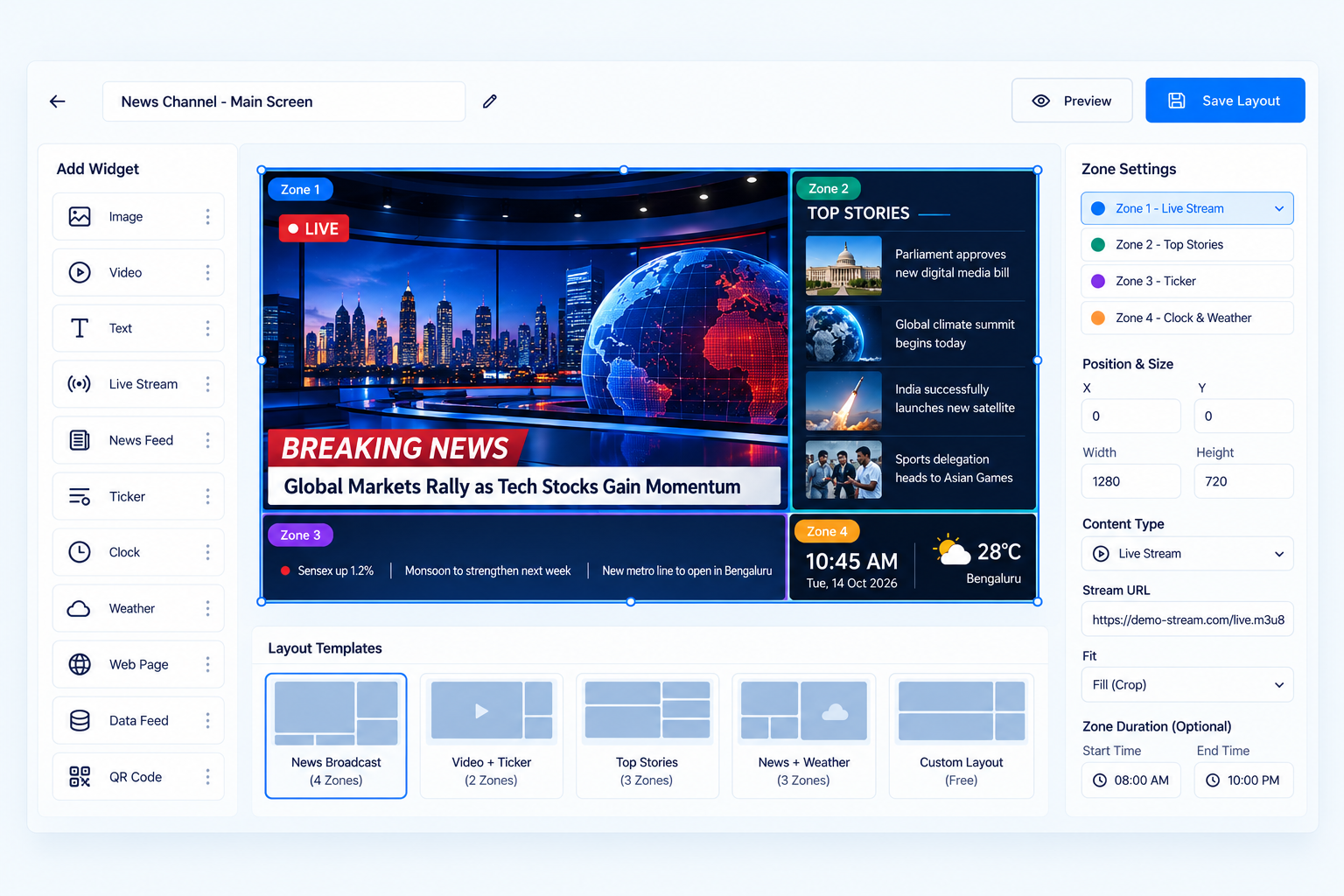
Split a screen into zones to show a menu, a video, a ticker and the time together on one display.
Give each team member the right level of access, so head office controls the brand and branches control what they should.
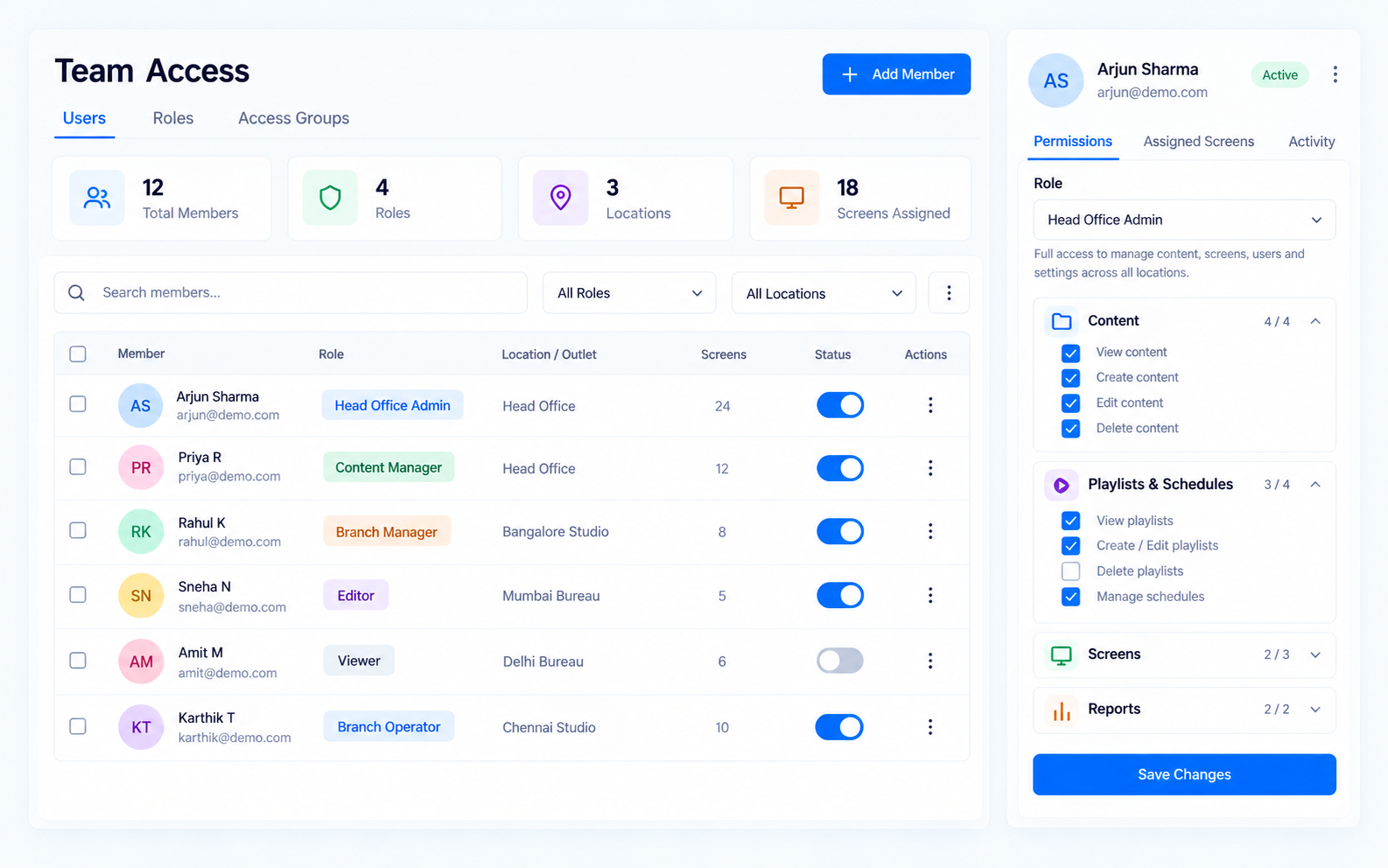
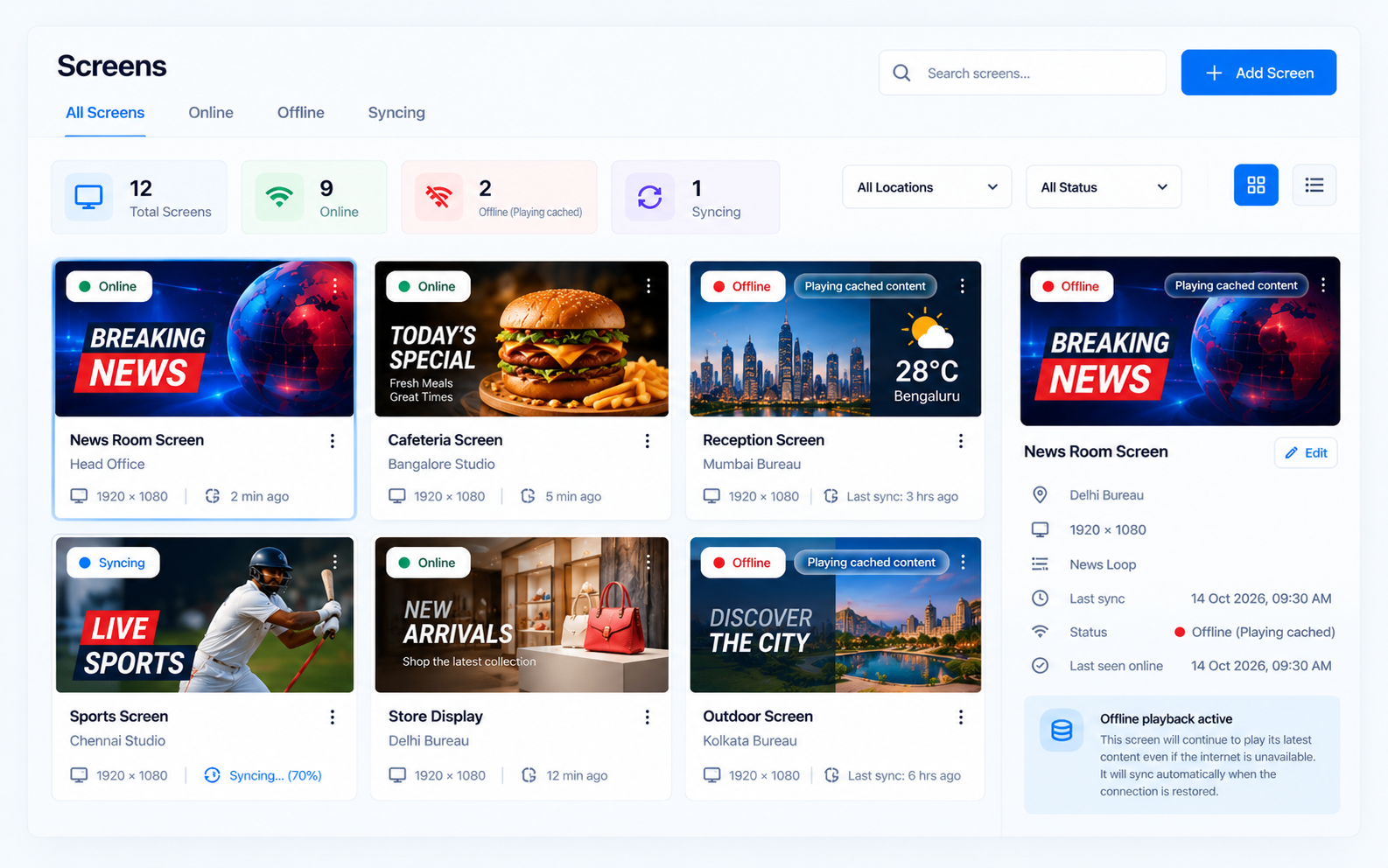
Screens keep playing their latest content even if the internet drops, then sync again when it returns.
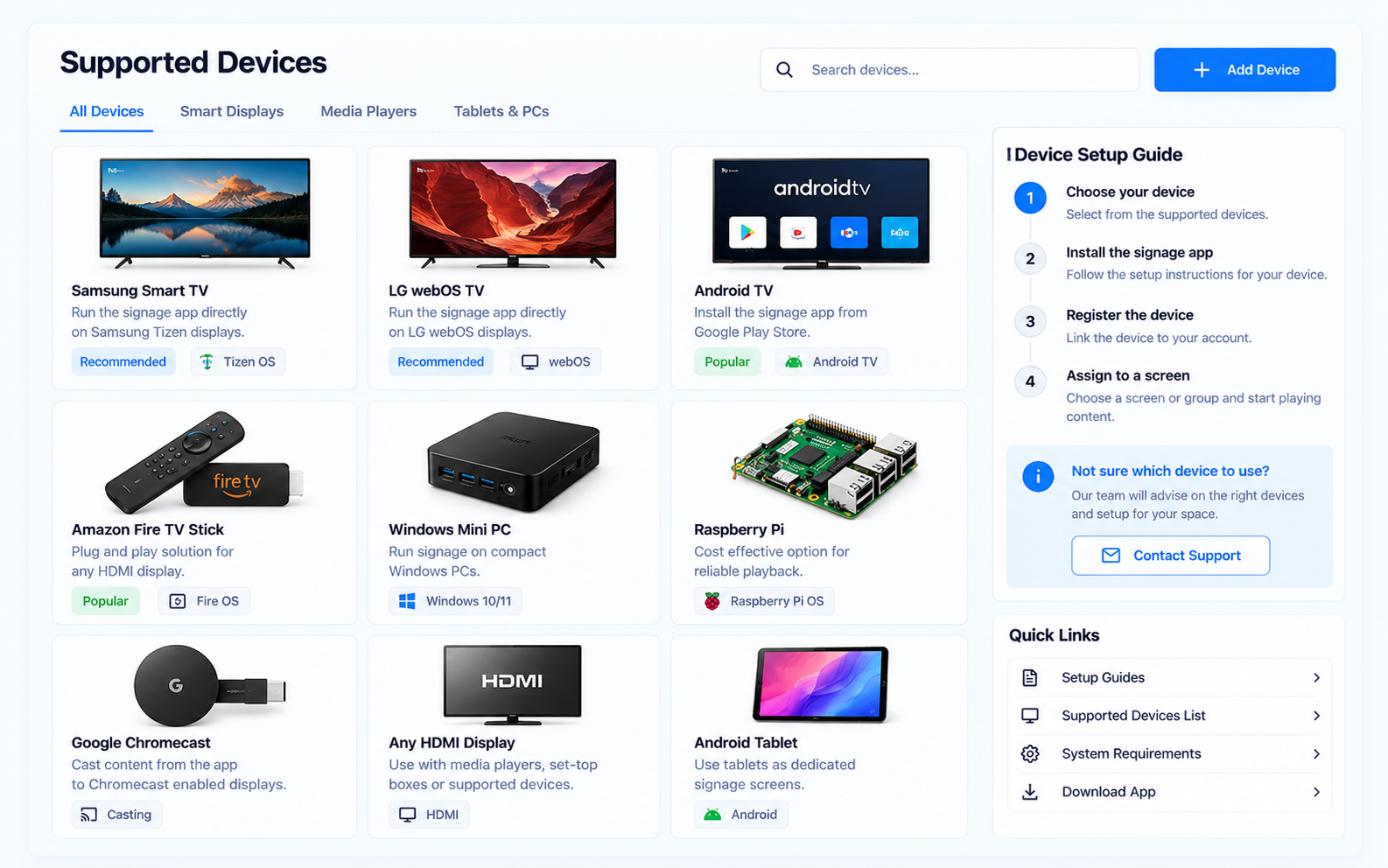
Run signage on common smart displays and media players. Our team will advise on the right setup for your space.
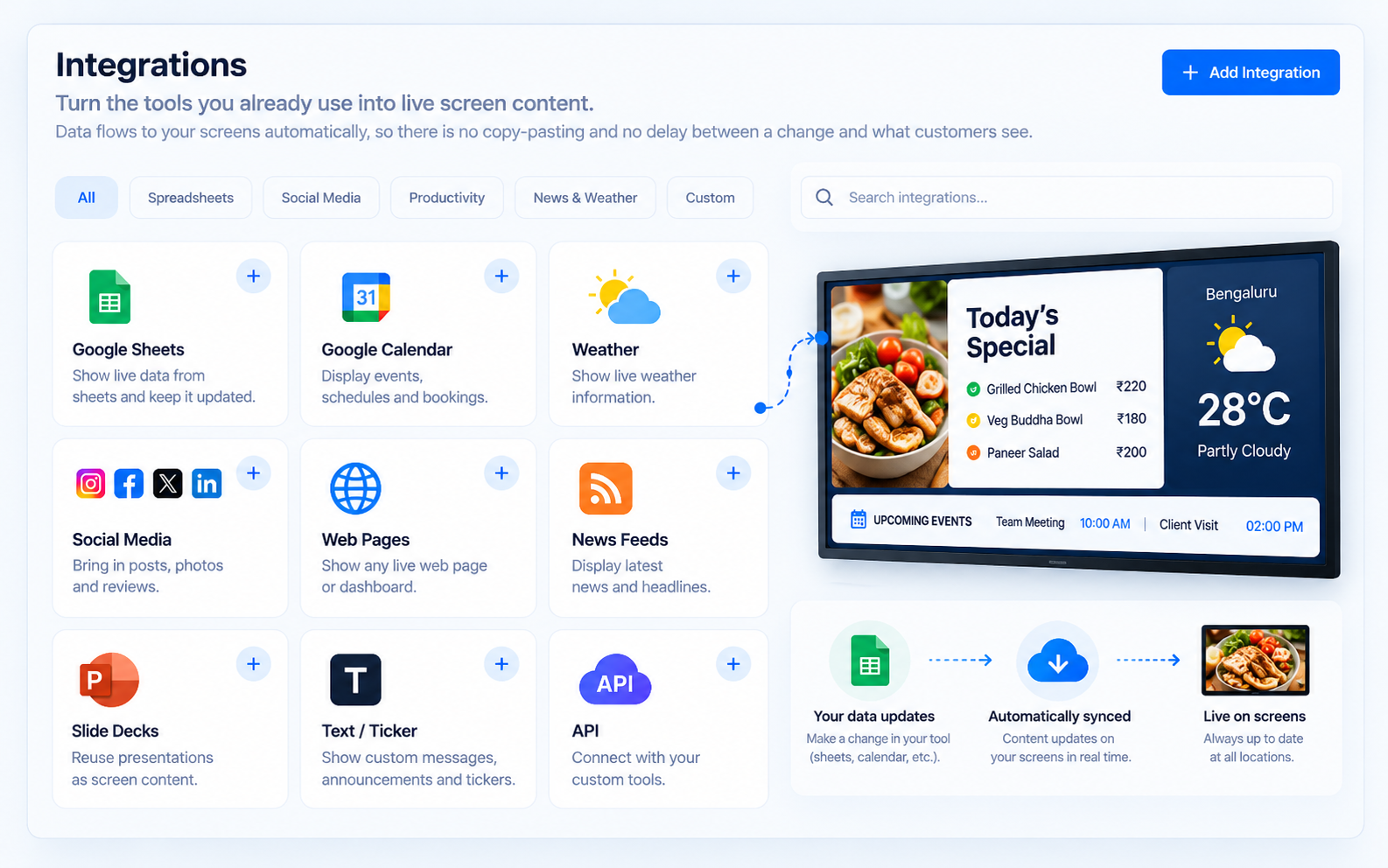
Data flows to your screens automatically, so there is no copy-pasting and no delay between a change and what customers see.
Oto Digital Signage is designed for everyday reliability, with controlled access, device monitoring and playback that continues when the connection does not.
Decide who can create, approve and publish content for each location.
No servers to maintain. Updates and improvements reach you automatically.
Screens continue with their last content if the connection drops, then resync.
Group screens by location so a small team can look after many of them.
See how a connected screen network compares with printed posters and screens updated by hand.
| Capability | Oto Signage | Print and manual |
|---|---|---|
| Update many locations at once | ||
| Schedule content in advance | ||
| Consistent branding everywhere | ||
| Live data such as menus and prices | ||
| No printing or delivery costs |
Research highlights how digital screens capture attention and influence buying decisions.
Higher purchase likelihood after seeing in-store digital ads.
Source: Journal of Marketing, 2025Of shoppers notice digital displays in stores.
Source: Mood Media consumer surveyOf consumers pay attention to outdoor digital screens.
Source: Capgemini Research Institute, 2025Can't find what you are looking for? Talk to our team.
Tell us about your business and we will show you Oto Digital Signage in action.